Project management, time tracking, equipment, and safety in one mobile tool built for construction companies.

Tool and Asset Tracking for Contractors

Construction Tool Tracking Software That Shows Who Has What

CrewView gives construction companies one current record for tools and equipment. Assign assets to employees, crews, or projects, check availability, and keep service history with each item.

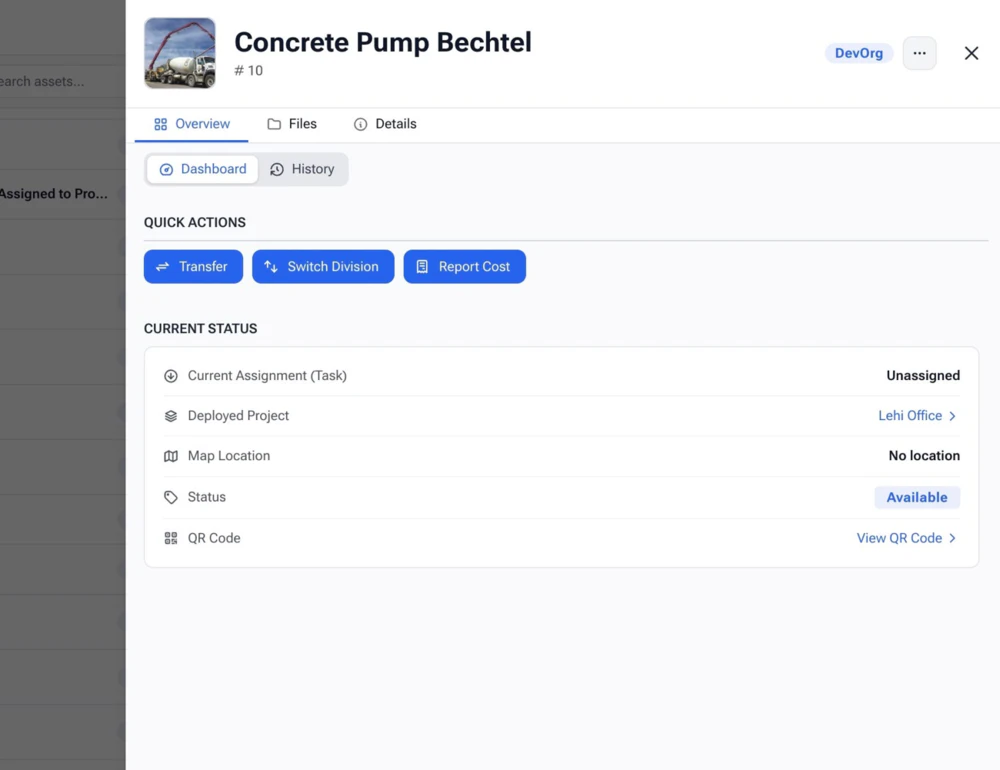
CrewView construction tool tracking software showing asset status and assignments
Current tool assignment Status and history
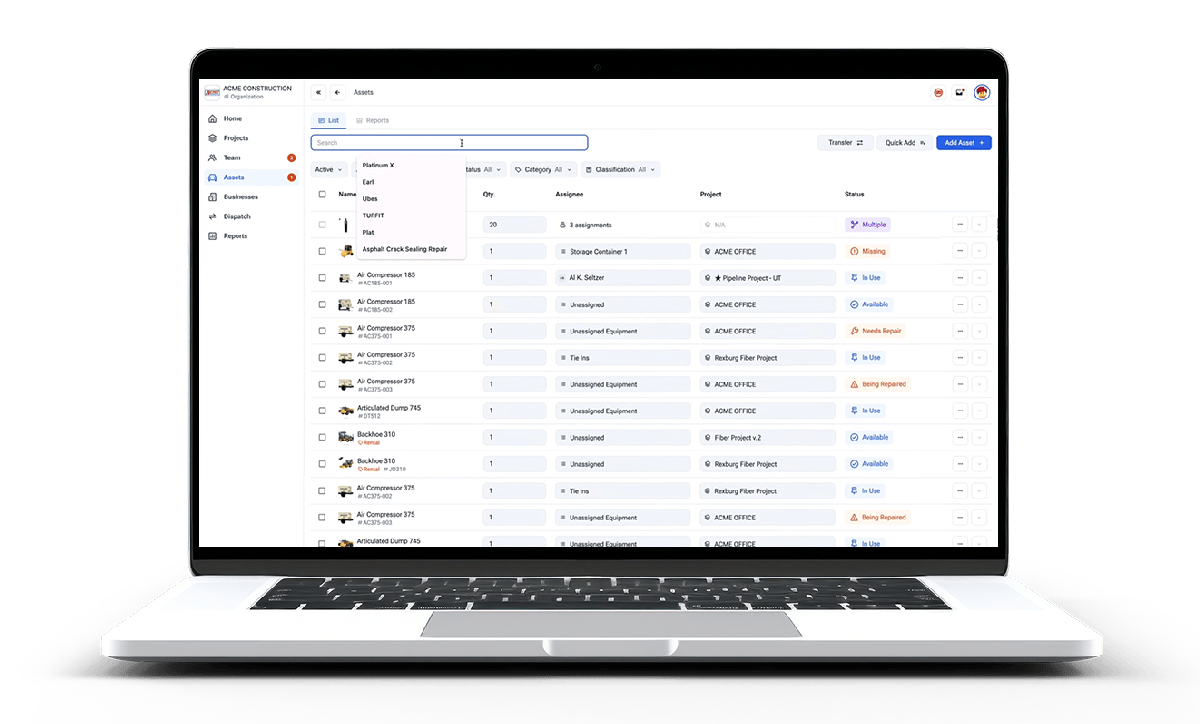
Construction tool and equipment inventory in CrewView

A Current Record for Every Asset

Stop Searching Trucks, Jobsites, and Spreadsheets

CrewView connects each tool with the people and projects using it. Managers can answer basic inventory questions without calling every foreman.

01

Record your inventory

Keep tools, vehicles, rented equipment, and heavy assets in one searchable construction inventory.

02

Assign responsibility

Transfer an asset to an employee, crew, or project and keep a history of who had it and where it went.

03

Check condition and status

See whether equipment is available, in use, being repaired, or out of service before the next assignment.

CrewView tool record with assignment, status, and equipment history
Assignment history Transfer between jobs Current status

Give Every Checkout a Person, Crew, or Project

Tools disappear into truck boxes when responsibility is vague. CrewView creates an assignment record that follows the asset as it moves between the yard, jobsites, employees, and crews.

  • Assign tools to an employee, crew, or active project
  • Transfer responsibility without losing the prior history
  • Check the last known assignment before buying a replacement
Equipment manager reviewing construction tool maintenance records
Maintenance record by asset

Keep Maintenance and Documents With the Tool

An inventory count does not tell you whether an asset is ready to work. CrewView keeps inspections, maintenance history, registration, insurance, and related documents in the asset record.

  • Review service and inspection history before assignment
  • Store documents with the asset they describe
  • Mark damaged or unavailable equipment before it reaches the crew
Explore Equipment Maintenance
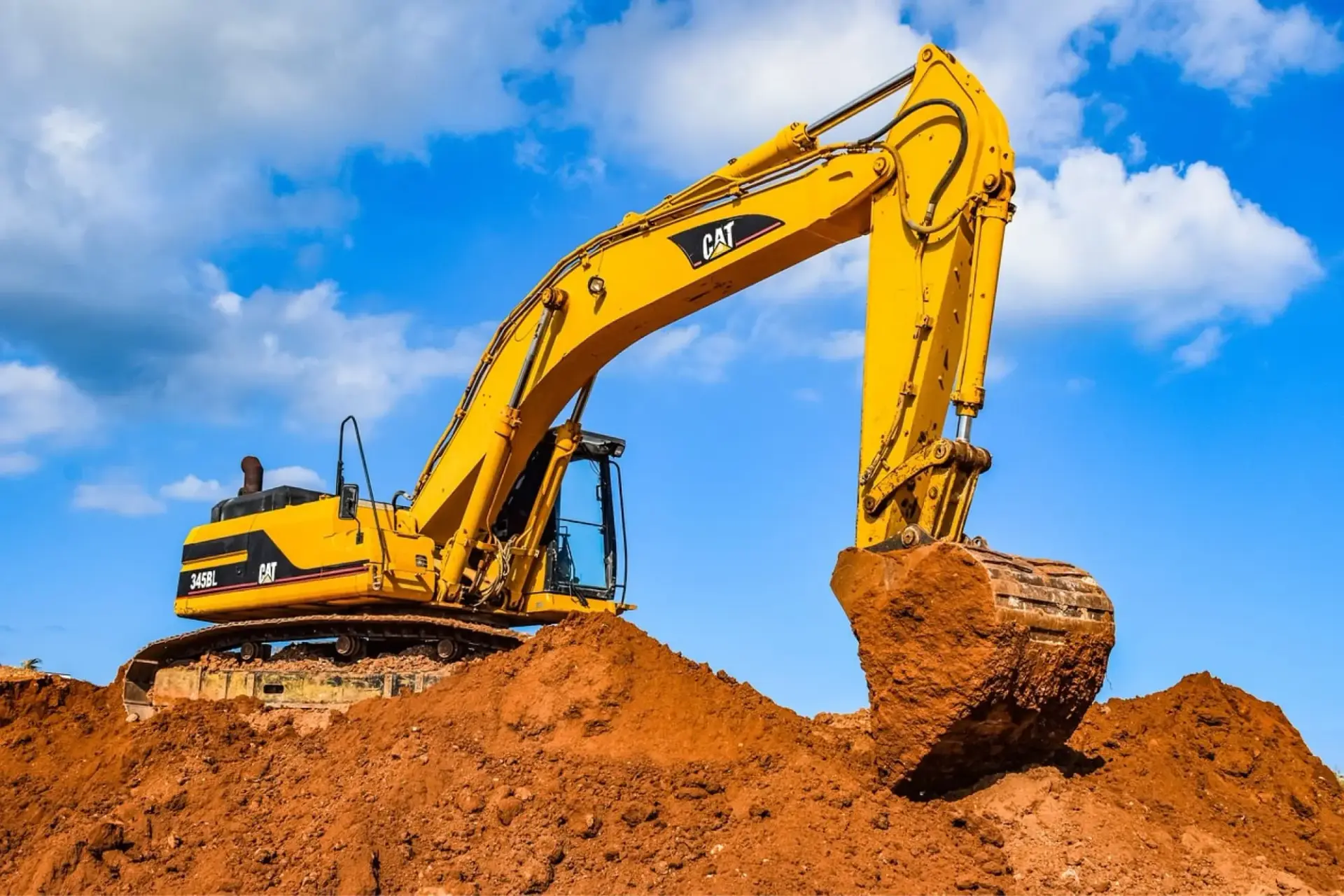
Rented construction equipment tracked by project and crew

Track Owned and Rented Equipment Together

A rented lift can create the same schedule problem as a missing company tool. Record active rentals with their crew and project assignments so managers can find idle or overdue equipment sooner.

  • See which rentals are active, idle, or due back
  • Connect rentals with the project and crew using them
  • Keep inspections and service needs visible during the rental

Setting Up Tool Tracking

Create a Tool Record the Field Will Maintain

Construction asset tracking works when the process is fast enough to follow every day. Decide what deserves an individual record, when responsibility changes, and which details managers will use.

Choose which tools to track individually

Start with tools that move often, cost enough to replace, or can stop work when they are missing. Record a consistent asset name, identifier, category, ownership status, and any documents the team needs. Small consumables may belong in grouped inventory, while power tools, survey equipment, generators, and specialty items usually need individual records. A focused inventory is easier to keep accurate than a database filled with items nobody checks.

Record transfers when responsibility changes

Define what counts as a checkout and who can approve a transfer. An assignment should name the employee, crew, project, or storage location responsible for the tool now. Update that record when the tool moves, not during a monthly cleanup. CrewView preserves the operating history, which helps managers answer who last had the item and whether it moved to another job without an updated paper sign-out sheet.

Use status to separate location from readiness

Knowing where a tool sits does not mean it is ready for work. Use clear statuses such as available, assigned, under repair, and out of service. Keep damage reports, inspections, and service notes with the asset. This stops a scheduler from promising equipment that the yard has already set aside for repair and gives the next user a better picture of its condition.

Audit the record and act on the history

Run field inventory checks often enough to catch weak handoffs. Compare the physical tool with its current digital assignment and correct discrepancies while the move is still recent. Over time, review which items disappear from the process, sit idle, or require repeated repair. Construction tool tracking software should help the company improve purchasing, rental, transfer, and maintenance decisions, not merely produce a longer inventory list.

Roll out one complete handoff first

Test the process with one crew, yard, or category of high-value tools. Follow an item through checkout, project use, transfer, inspection, and return. Watch where employees skip a step or need information the record does not provide. Fix that workflow before adding the entire inventory. A smaller accurate rollout gives the company a better foundation than importing thousands of assets into a process the field has not tested.
Frequently Asked Questions

Construction Tool Tracking Questions

A useful tool record needs to show more than what the company owns. These answers cover assignments, status, maintenance, and field access.

What is construction tool tracking software?

Construction tool tracking software keeps a digital record of company tools, their current status, where they are assigned, and who is responsible for them. It replaces paper sign-out sheets and scattered inventory files.

Can CrewView assign tools to employees and projects?

Yes. Tools and equipment can be assigned to employees, crews, or projects, creating a clear custody and usage record as assets move between jobs.

Can managers see whether a tool is available?

CrewView records asset status so managers can distinguish equipment that is available, assigned, under repair, or out of service before promising it to another job.

Does CrewView keep tool maintenance records?

Yes. Each asset can carry service history, inspections, documents, and maintenance information so the record stays with the tool or equipment.

Can CrewView track rented equipment?

CrewView can record rented equipment, its project or crew assignment, current status, service needs, and return timing alongside company-owned assets.

Is tool tracking available to field crews?

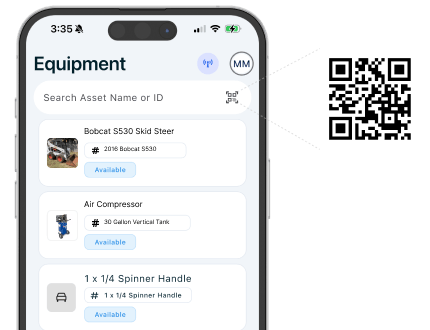
CrewView is built for mobile and desktop use. Authorized field employees can check asset information and complete the steps their company includes in its assignment workflow.

See why construction managers are switching to CrewView.