Project management, time tracking, equipment, and safety in one mobile tool built for construction companies.

Preventive Maintenance for Contractors

Construction Equipment Maintenance Without the Guesswork

Keep service schedules, inspections, maintenance history, documents, and equipment status in one record. CrewView helps managers see what is ready for work before assigning it to a crew or project.

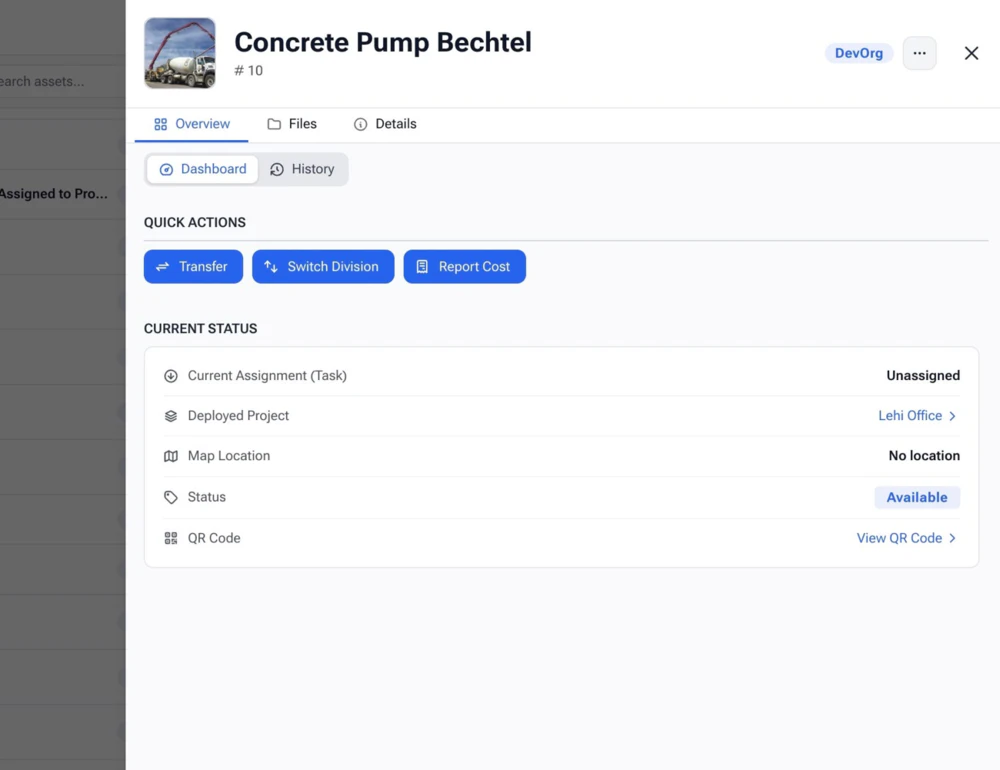
Construction equipment managed with preventive maintenance software
Service schedule by asset Current equipment status
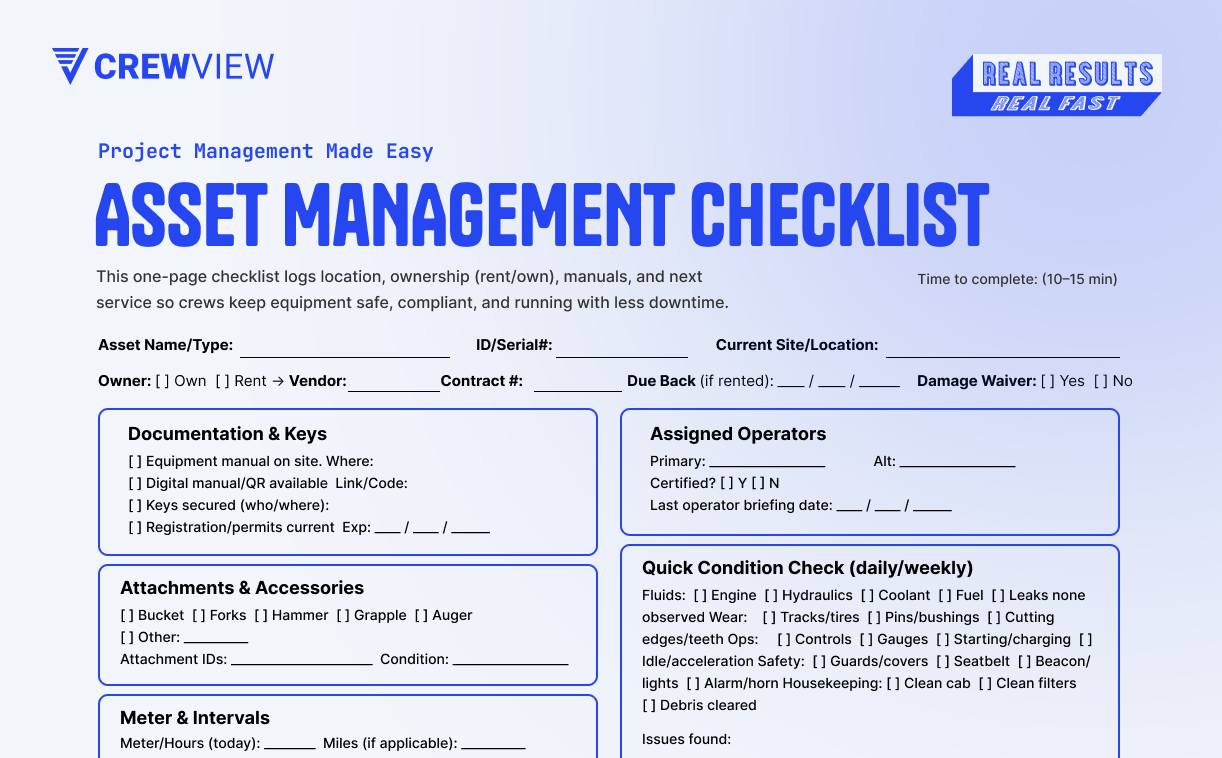
Construction equipment inspection and maintenance checklist in CrewView

Maintenance Records Connected to Operations

Know What Needs Service Before the Job Needs the Machine

Equipment maintenance affects the crew schedule, rental costs, and project delivery. CrewView keeps service information beside the assignments that depend on the asset.

01

Plan preventive service

Keep upcoming maintenance visible in the asset record instead of relying on a separate calendar or paper file.

02

Document inspections

Collect digital equipment inspections and keep the completed record available to managers and safety teams.

03

Control availability

Mark equipment as available, assigned, being repaired, or out of service before another project depends on it.

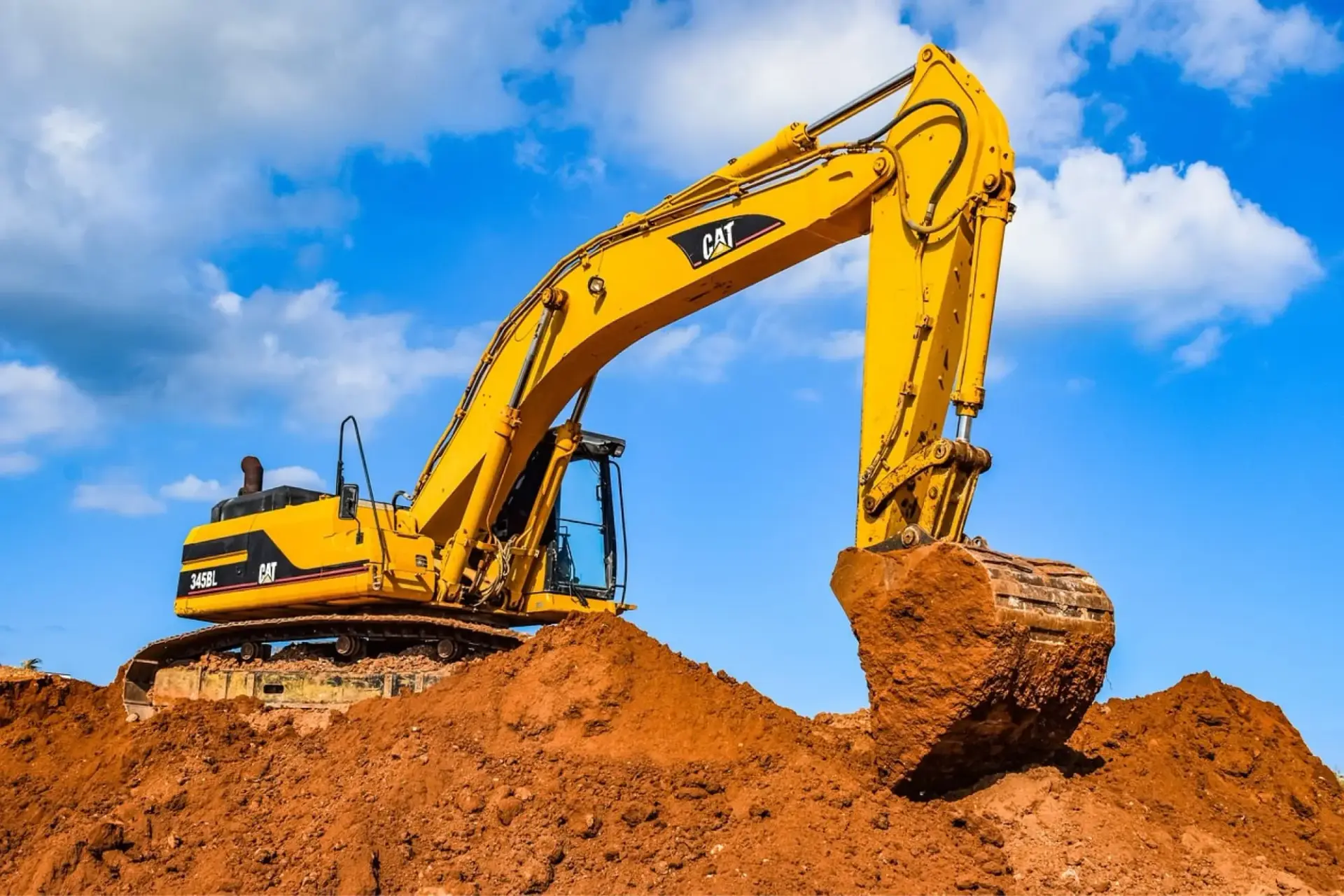
Equipment manager planning preventive construction equipment maintenance
Upcoming maintenance Ready for the next job

Move From Reactive Repairs to Planned Maintenance

A breakdown becomes a project problem when the crew discovers it after mobilization. CrewView puts maintenance schedules and equipment status where managers can review them while planning the work.

  • Track upcoming service needs by asset
  • Review maintenance history before assigning equipment
  • Keep unavailable machines out of the active plan
Construction equipment maintenance record with inspections and service history
Service history Inspection records

Keep Inspections, Service History, and Documents Together

When records live in binders, inboxes, and spreadsheets, the latest answer is hard to verify. CrewView keeps inspection results, service history, registration, insurance, and other documents with the equipment record.

  • Complete equipment inspections with digital forms
  • Review prior service before approving the next assignment
  • Retrieve asset documents without searching another system
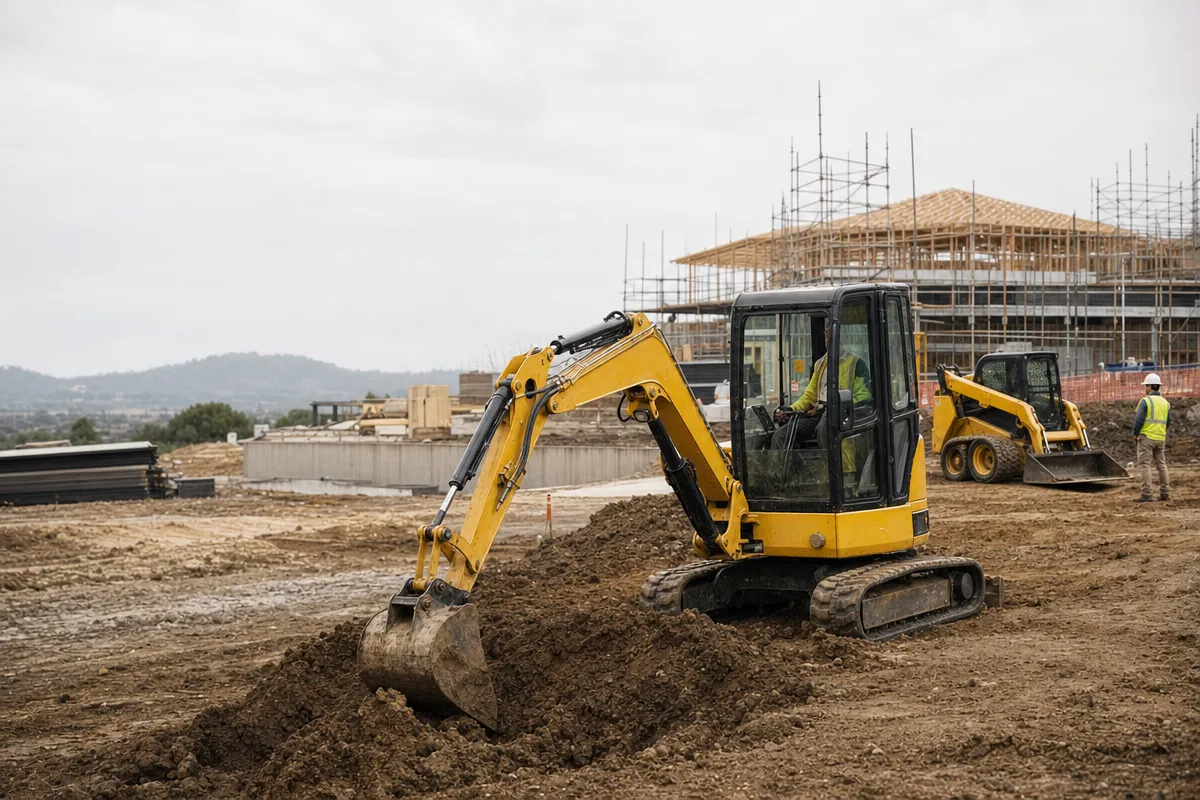
Construction equipment assigned to a project after maintenance review

Connect Equipment Readiness to the Crew Schedule

Maintenance data matters most before a project loses a day. CrewView connects equipment with projects and crews so managers can see whether a required asset is available, assigned elsewhere, or waiting on repair.

  • Check asset status while planning project resources
  • Assign ready equipment to the crew that needs it
  • Track owned and rented assets in the same operating view
Explore Tool Tracking

Building a Maintenance Process

Turn Equipment Records Into Planned Work

A maintenance database earns its keep when it changes a decision before a breakdown. Set clear service triggers, make field issues easy to report, and keep asset status connected to project planning.

Set service intervals the team can follow

Use manufacturer guidance, calendar dates, operating intervals, inspection requirements, and company experience to define the next service. Record the trigger and responsible person in the equipment record. The maintenance plan should give the team enough notice to arrange parts, labor, replacement equipment, or a different project sequence. A due date that appears only after the machine is needed will not prevent downtime.

Give operators a direct inspection workflow

Operators often notice a leak, damaged guard, unusual noise, or performance change before anyone in the office. Give the field a short inspection and issue-reporting process that works on a phone. Keep photos, notes, signatures, and the completion time with the asset. The equipment manager can then assess the issue, change its status, and decide whether the machine can continue working safely.

Make asset status control the next assignment

Use a small set of statuses with clear meanings. Available should mean the asset can be assigned. Under repair and out of service should keep it out of the active plan until an authorized person changes the record. When schedulers and project managers can see that status, they can move equipment, arrange a rental, or change the crew plan before people arrive at a job with no machine.

Review history before repairing or replacing

Maintenance history can show repeated failures, rising service needs, and assets that spend too much time idle. Review that record with assignment and utilization information before approving another repair, rental, transfer, or purchase. The lowest repair invoice is not always the lowest operating cost. CrewView keeps the service history beside the project and crew assignments that show how the equipment supports the business.

Assign ownership for every maintenance step

Name who reviews inspections, schedules service, changes asset status, and returns equipment to available use. Software cannot close a maintenance task when nobody owns the decision. Define the evidence required for completion and keep that record with the asset. Clear responsibility also helps the field know where to report a problem and helps managers distinguish equipment waiting on service from equipment waiting on approval.
Frequently Asked Questions

Construction Equipment Maintenance Questions

Contractors need maintenance records that match the way assets move between the yard, crews, and active projects. These answers cover the core CrewView workflow.

What is construction equipment maintenance software?

Construction equipment maintenance software stores asset service schedules, inspection records, maintenance history, documents, and availability in one system. It helps managers plan service and keep unavailable equipment out of project assignments.

Can CrewView schedule preventive maintenance?

CrewView keeps maintenance schedules and service information with each equipment record, helping managers see upcoming needs before assigning an asset to a job.

Can field crews complete equipment inspections?

CrewView supports digital inspections and field forms that authorized employees can complete from a mobile device, with the resulting record stored for later review.

Does CrewView store service history and documents?

Yes. Equipment records can include maintenance history and related documents such as registration, insurance, and inspection records.

Can managers stop damaged equipment from being assigned?

Managers can use asset status to mark equipment as being repaired or out of service, giving schedulers a clearer view before they assign it to another project or crew.

Can CrewView manage rental equipment maintenance?

Rented equipment can be recorded alongside owned assets with its current assignment, status, inspection information, service needs, and return timing.

See why construction managers are switching to CrewView.